Free
Free Growth Call
30 minutes. Your numbers. A clear next step.
Freefree call
- Funnel and channel review
- The two or three levers to pull first
- Honest fit check — no hard sell
- Written summary after the call

Google Analytics 4 (GA4) is the free analytics platform that shows how people find and use your website. But a default installation tracks page views and little else — it cannot tell you which campaign brought a lead or which page convinced a buyer. A proper GA4 setup turns analytics into a tool for decisions.
My GA4 and tracking work covers:
If you are spending on Google Ads or Meta and conversion tracking is not verified, your campaigns are optimising towards guesses. Fixing tracking is often the highest-return marketing work available.
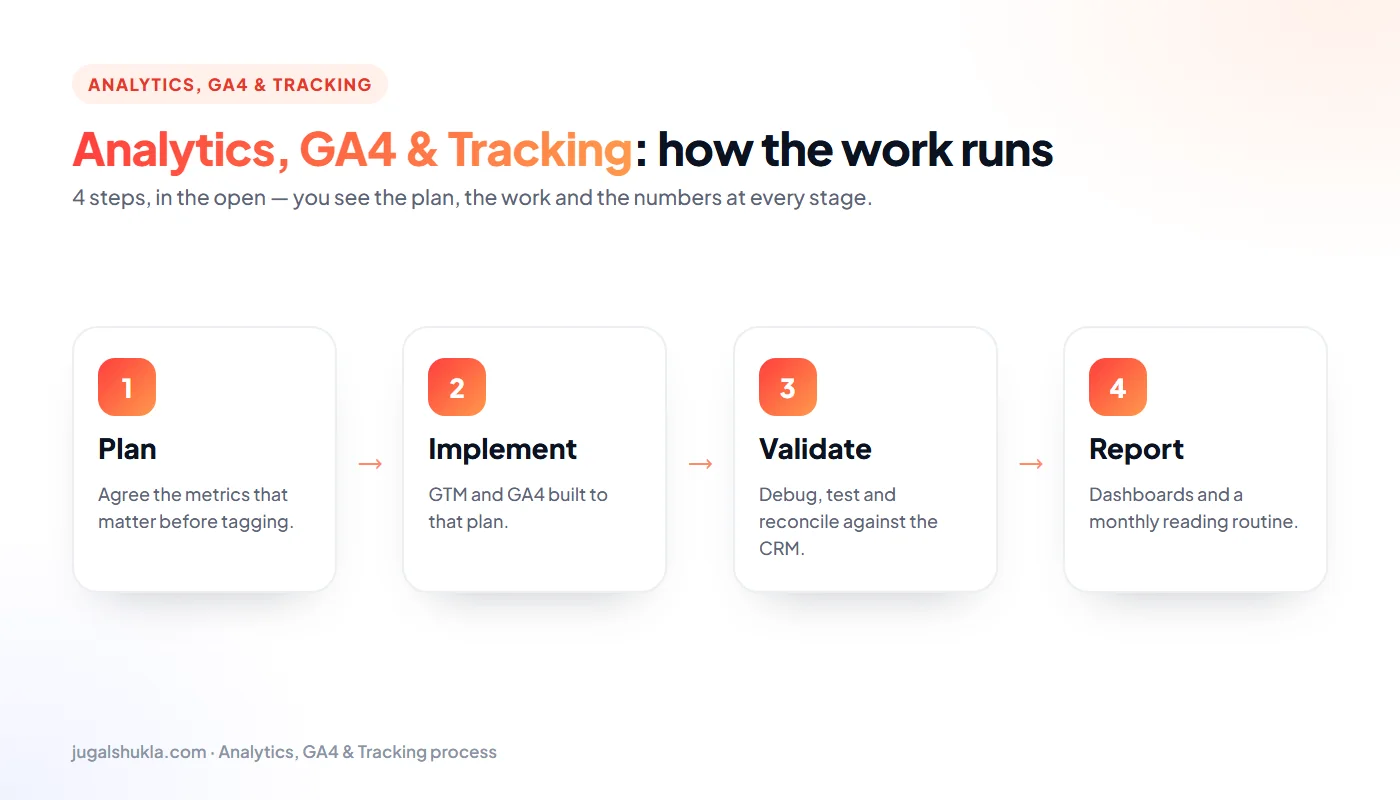
GA4 and Tag Manager are free. The cost is the expertise to configure them correctly. I quote a fixed fee after the Free Growth Call, based on the number of conversions, platforms and dashboards needed. A basic business-website GA4 setup is a small, one-time project; an online store with server-side tagging and several ad platforms takes longer.
Use the free Marketing ROI Calculator to see what accurate conversion tracking and a better cost per lead could be worth to you.
The immediate result is trust in your numbers. The bigger result follows: ad platforms optimise towards real conversions, budgets move to what works, and decisions get faster.
GA4 records everything as events. Some are collected automatically (page views, scrolls, outbound clicks); others you define — such as generate_lead, phone_click or purchase. The events that matter most to the business are marked as key events (formerly called conversions).
Many Indian businesses receive most enquiries by phone or WhatsApp, not forms. Conversion tracking must capture them all:
Privacy rules and browser restrictions mean some visitors decline tracking. Google consent mode v2 adjusts tags according to each visitor's choice and lets Google model the missing conversions. A privacy-friendly GA4 setup also avoids sending personal data such as names, emails or phone numbers to analytics, and keeps data retention appropriate. Getting this right protects both your visitors and the quality of your data.
UTM parameters are short tags added to links — utm_source, utm_medium and utm_campaign — that tell analytics where a visitor came from. Without them, traffic from WhatsApp messages, emails, social posts and QR codes often appears as "direct" or "referral", and its value is invisible.
The free SEO Toolkit on this site includes a UTM builder for exactly this purpose.
For online stores, GA4 can track the full shopping journey: product views, add-to-cart, checkout steps and purchases with revenue and product details. Correct ecommerce tracking shows which products, categories and campaigns generate revenue, where shoppers abandon the checkout, and the true return on ad spend. Common problems are missing purchase events for some payment methods, duplicate purchases when the thank-you page reloads, and revenue that includes or excludes tax inconsistently. I validate ecommerce data against your store's order reports until they match closely.
Browser restrictions and ad blockers mean some tracking data is lost. Server-side tagging sends data through your own tagging server before it reaches Google Analytics or ad platforms, improving data control, page speed and privacy. Meta's Conversions API and Google's enhanced conversions work in a similar way, matching conversions using hashed customer data. These options make most sense for businesses with substantial ad spend; for smaller sites, a clean GA4 setup with proper conversion tracking is usually enough.
Data only helps if people look at it. The dashboards I build follow simple rules:
A good dashboard turns the monthly marketing meeting from an argument about numbers into a discussion about decisions.
GA4 shows what visitors do on your site; Google Search Console shows how your site performs in Google Search before the click — impressions, rankings, click-through rates and indexing issues. Linking the two lets you see which search queries and landing pages lead to conversions. I connect Search Console during every setup so SEO decisions are based on both visibility and outcomes.
Analytics is only valuable if it answers the questions owners and marketers actually ask. Which channels bring enquiries? Which landing pages convert? Which campaigns produce customers rather than clicks? Where do visitors drop out? A good measurement setup is designed backwards from these questions: each one maps to specific events, parameters and reports. GA4's Explorations allow deeper analysis — funnels, paths and segments — while scheduled dashboards keep the headline numbers visible. The goal is fewer, better numbers that people trust and use every month.
Dashboards and reports help only when people know how to read them. After implementation I run a short training session covering where to find key reports, how to compare periods, how to read conversion data by channel and campaign, and which numbers to review each week. A one-page guide to your setup — events, conversions, naming rules and dashboards — means new team members and agencies can work with the data correctly.
Websites change: new pages, new forms, plugin updates and redesigns can quietly break tracking. A quarterly health check compares conversions with real enquiries and sales, tests key events, reviews tag firing and checks that ad platforms still import the right actions — so decisions keep resting on accurate data.
Attribution decides which channels get credit for a conversion. GA4 uses data-driven attribution by default, sharing credit across the touchpoints that contributed, and also offers last-click views. Comparing models shows which channels start journeys — often social, video and content — and which close them, usually search and direct visits. Ad platforms will each claim more credit than they deserve, so GA4 and your CRM provide the neutral view. Clean UTM tagging and consistent channel grouping make attribution reports reliable enough to guide budget decisions.
Set data retention to the maximum your plan allows, give team members and agencies access with the right permission level rather than sharing logins, and remove access when people leave. Your analytics account should always be owned by your business.
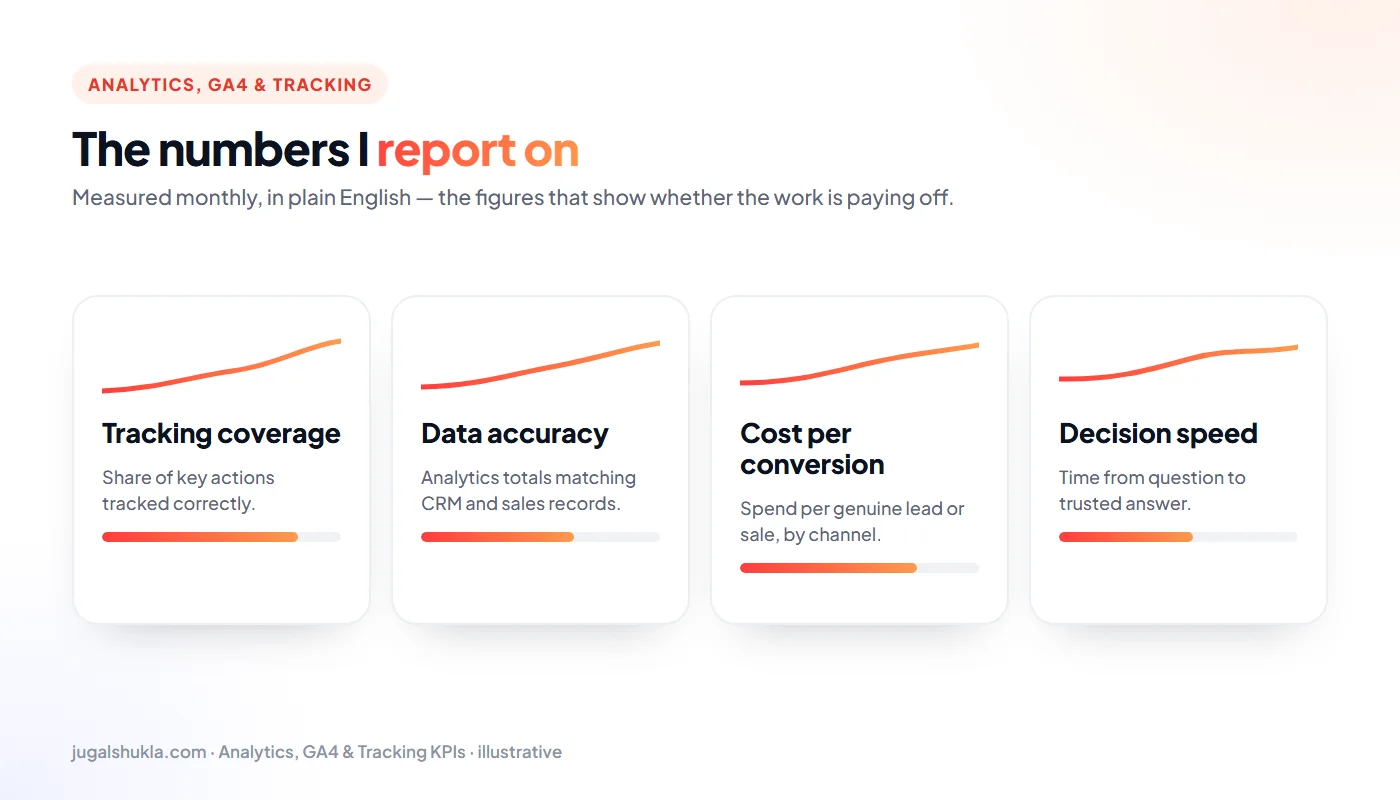
Self-check: compare last month's form submissions in your inbox with the conversions in GA4. If they differ by more than 10%, conversion tracking needs attention before any further ad spend.